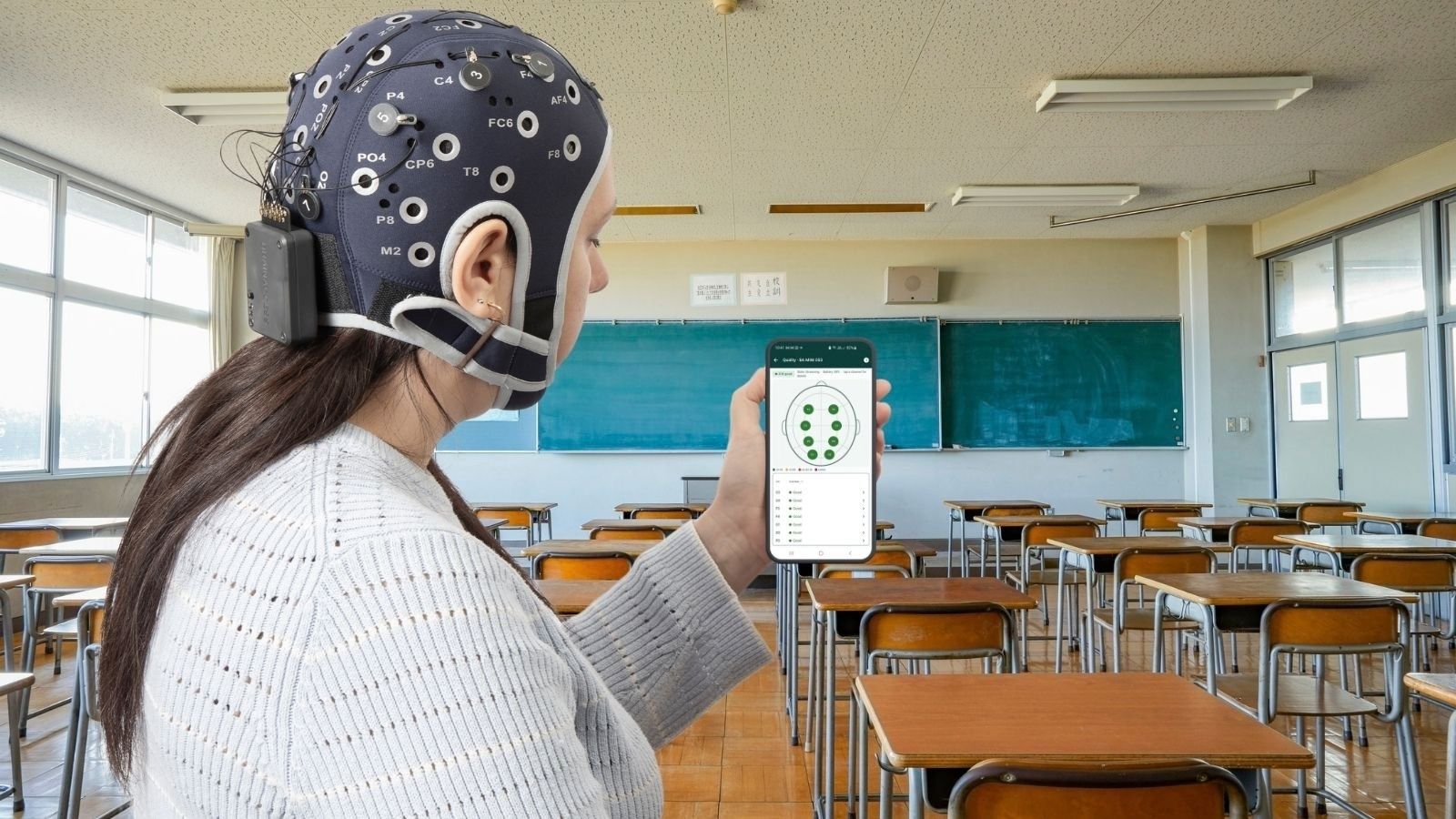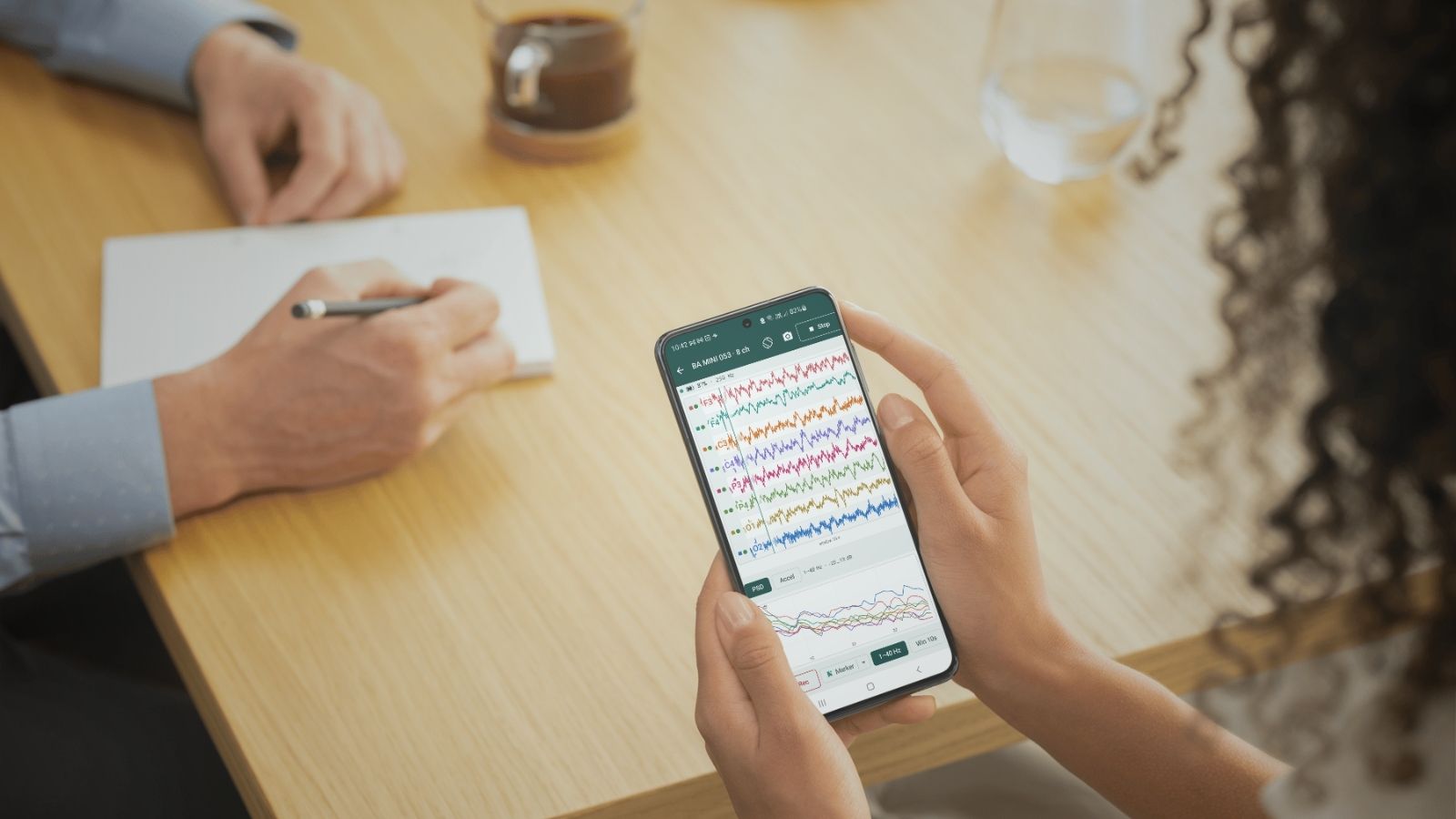
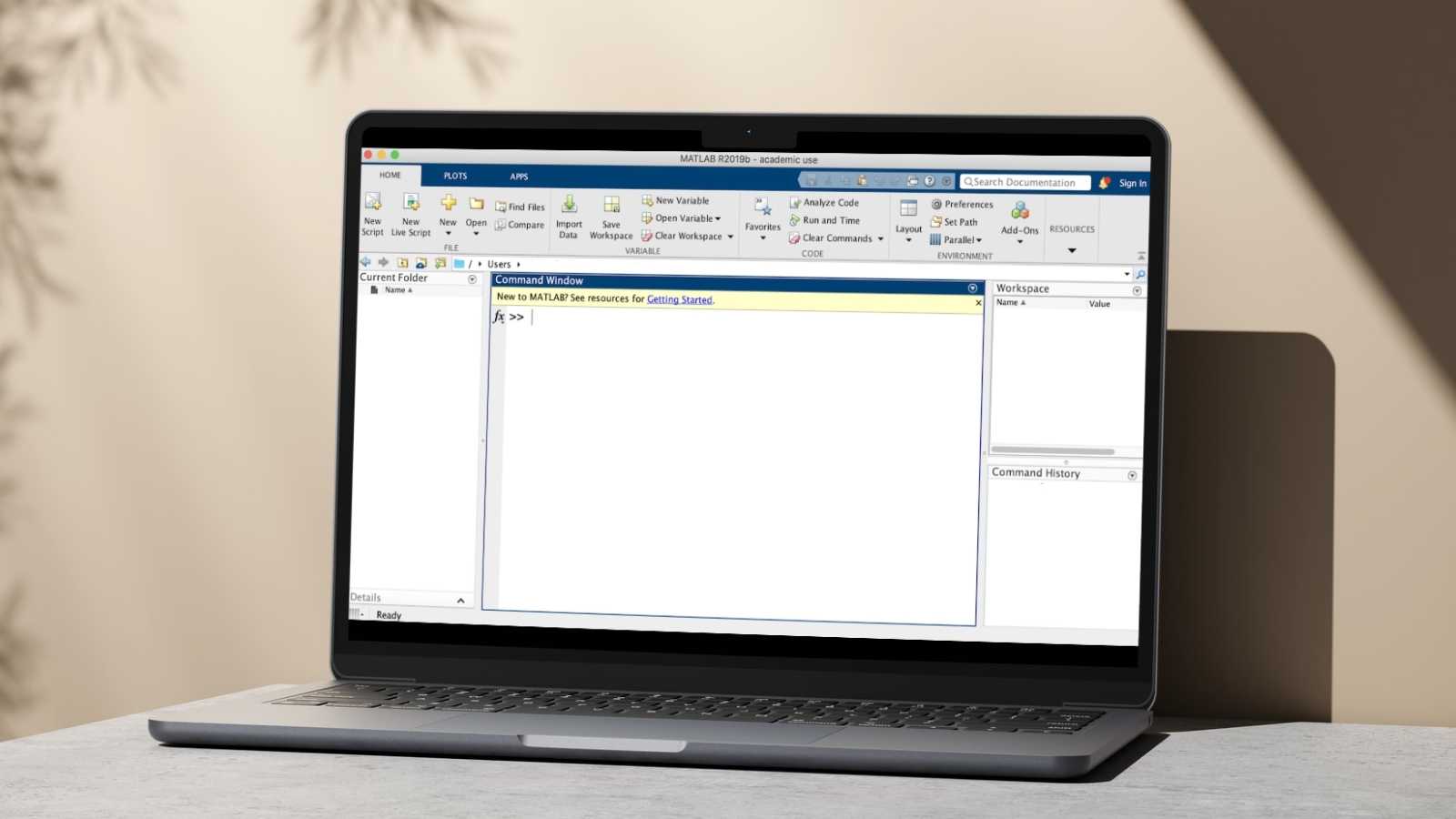

We’re excited to announce the release of the BrainAccess MATLAB API, a native toolbox that lets you connect to BrainAccess EEG devices and acquire data directly from desktop MATLAB.
Until now, working with BrainAccess hardware meant stepping into Python, C, or relying on the LSL MATLAB toolbox. That’s a great fit for a lot of workflows, but MATLAB is still the day-to-day language of many neuroscientists’ and engineers’ pipelines, and switching environments adds unnecessary friction. Not anymore.
What’s new
The MATLAB API mirrors the structure of our Python API, so if you’ve used one, the other will feel instantly familiar.
It’s built around a small set of straightforward ba_* functions covering the essentials:
- Initializing the runtime
- Scanning for and connecting to a device over Bluetooth
- Configuring EEG channels and sample rate
- Starting and stopping a stream
- Pulling data into MATLAB arrays, chunk by chunk or over a fixed duration
A minimal acquisition loop looks like this:
ba_setup();
ba_init();

devices = ba_scan();
ba_connect(devices(1).name);

features = ba_get_device_features();
ba_configure_eeg(0:(features.electrode_count - 1), 250, 8, []);

ba_start_stream();
[data, meta] = ba_collect_seconds(5.0, 250, true);
ba_stop_stream();

ba_disconnect();
ba_close();

plot(data');
Why it matters
This means your BrainAccess data can now flow straight into the MATLAB tools you already trust — Signal Processing Toolbox, EEGLAB, custom analysis pipelines — without an export/import step in between. The API also supports session annotations and saving straight to .mat files, so real-time tagging and downstream analysis stay in one environment.
The toolbox installs like any other MATLAB add-on and supports the standard desktop MATLAB platforms. If you’ve been waiting to bring BrainAccess into your MATLAB pipeline, now’s the time to give it a spin.
We’d love to know what you’ll build with it! 🚀
Get the Update
Download the MATLAB API now!
Get the toolbox from the Download Centre.
Installation is a single .mltbx package for desktop MATLAB (R2025b or newer). Full setup steps and the API reference are in the documentation.