BrainAccess Board Gets a Major Update: New Interface, Updated Functionalities, and AI Support - BrainAccess

BrainAccess Board Gets a Major Update: New Interface, Updated Functionalities, and AI Support

Martina Berto Avatar

We’re releasing a significant update to the BrainAccess Board desktop application. This release focuses on three things: a rebuilt interface, improved functionality, and a new set of tools for working with recordings, including an integrated AI assistant, Jena, that helps you monitor device and signal quality in real time. In this post, you can find a full rundown of what has changed.

A Complete Interface Overhaul

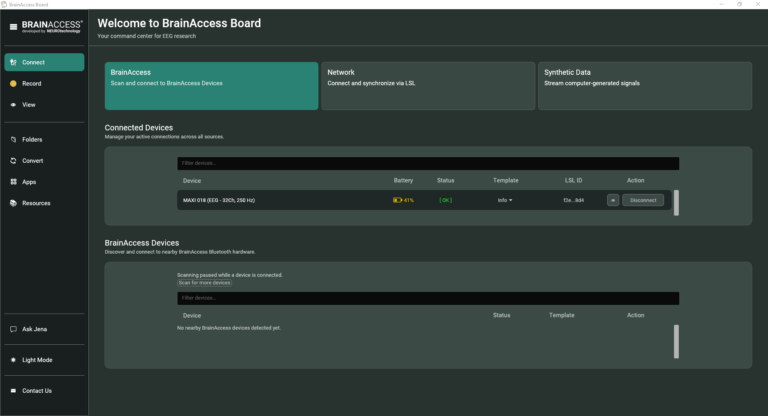
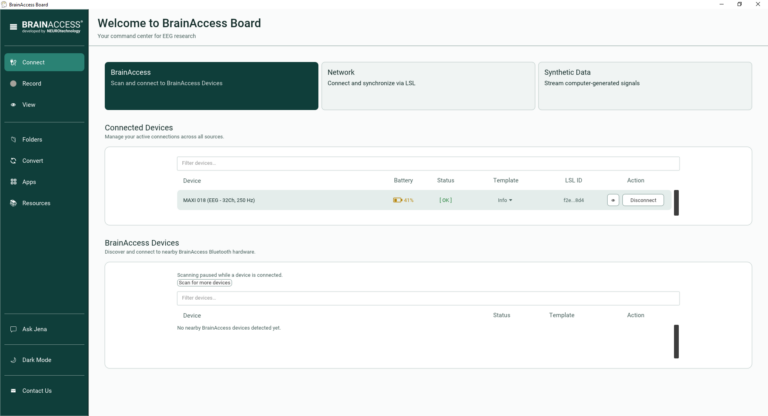
Our EEG acquisition software, BrainAccess Board, has been rebuilt with a new layout and interface. The goal was simple: make the app faster to navigate and easier to use, whether you’re setting up a quick recording or managing a complex multi-device session.

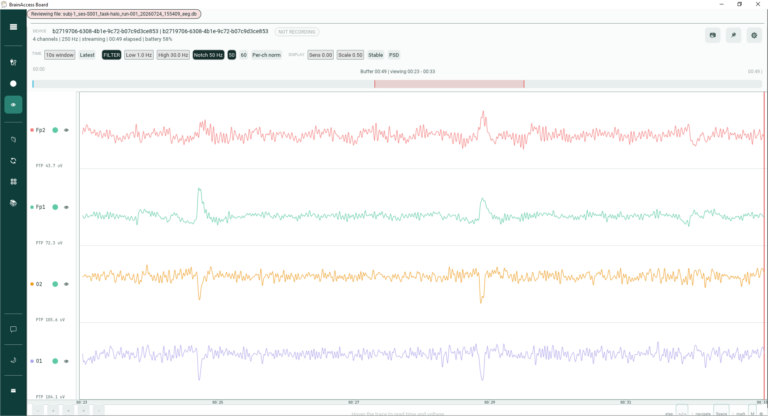
The app is now also available in light and dark mode, so you can match your working environment or lab setup.

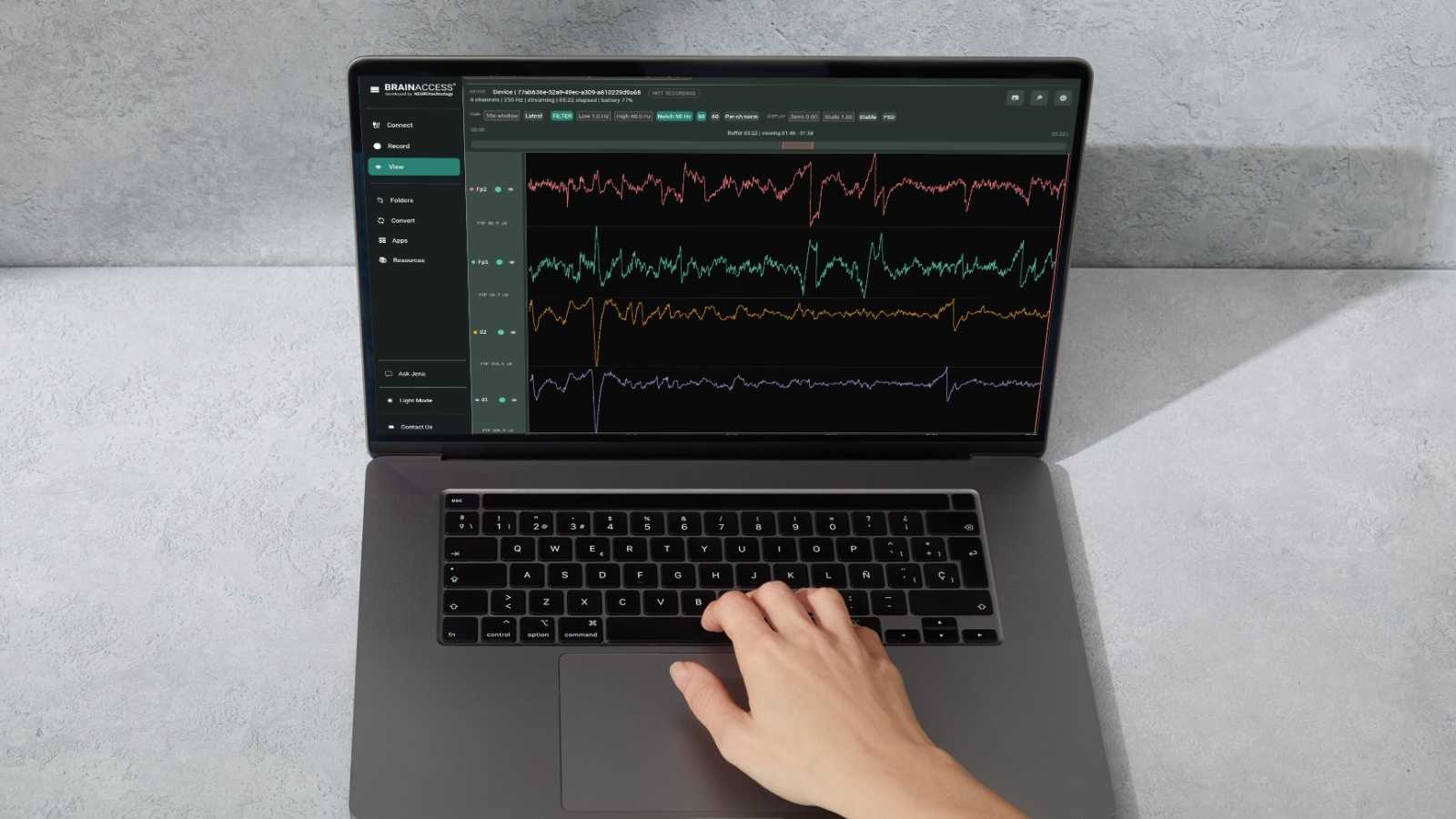
An Upgraded Signal Viewer

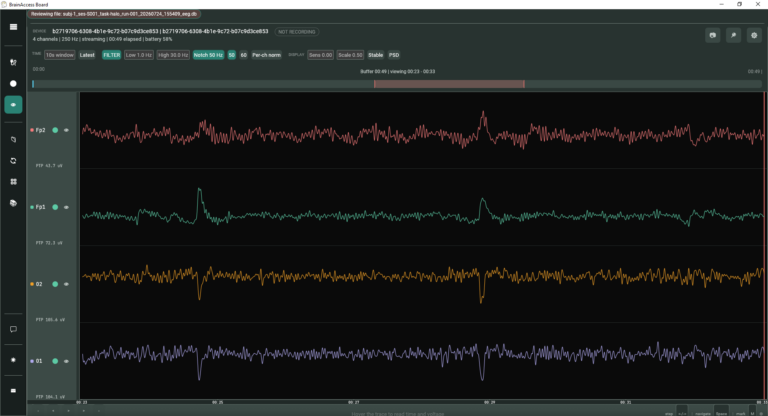
The signal viewer has received a substantial set of upgrades:

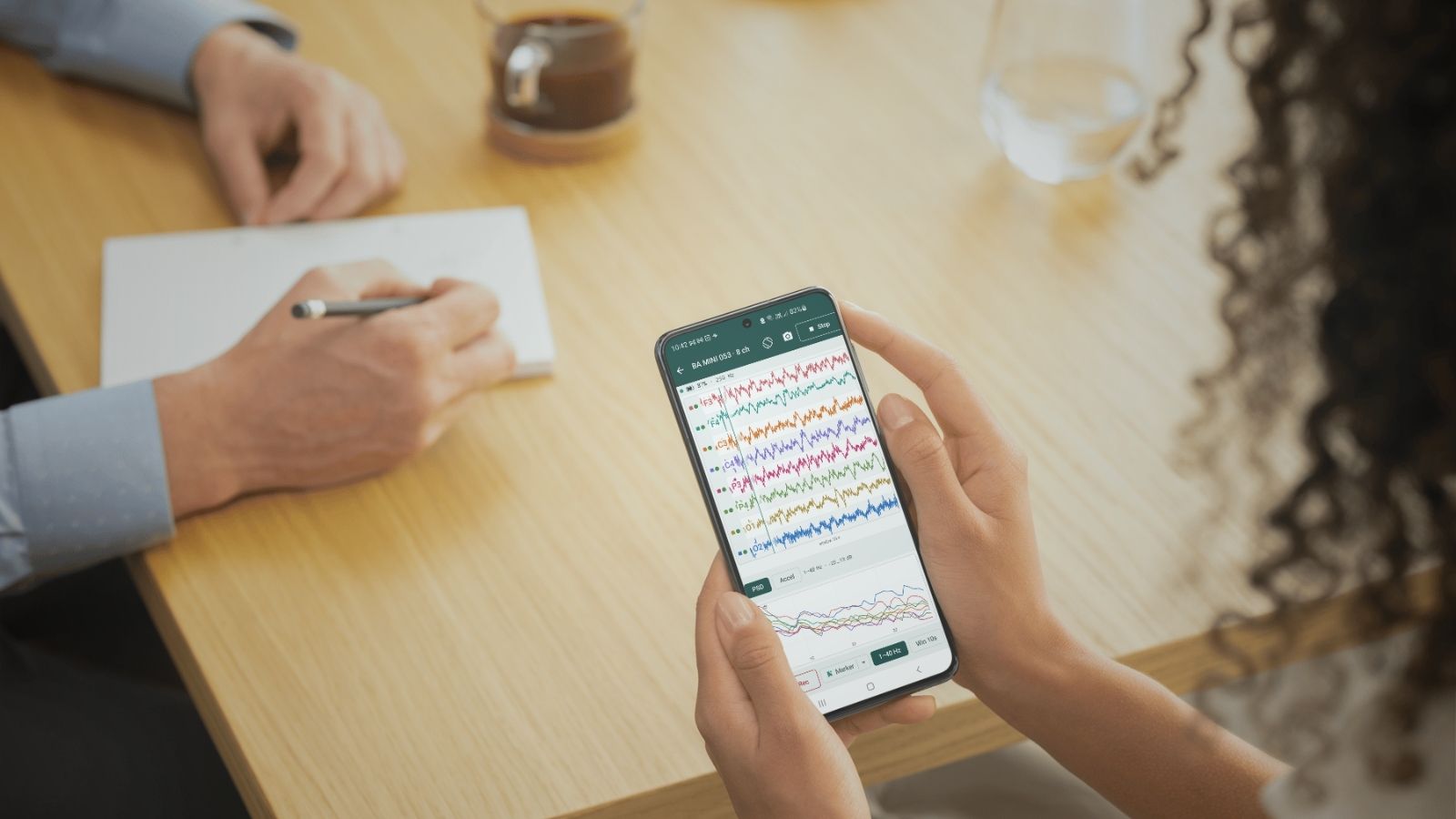
  • Updated quality monitor. Get a clearer, more responsive view of signal quality as you record.
  • Keyboard-triggered markers. Send event markers directly by pressing a key, without breaking your workflow.
  • Open and re-stream prerecorded data. Load previously recorded sessions back into the viewer, re-stream them, or inspect them visually without needing to re-run a recording.
  • Signal navigation. Scroll and explore your signal data directly within the viewer to review specific segments in detail.

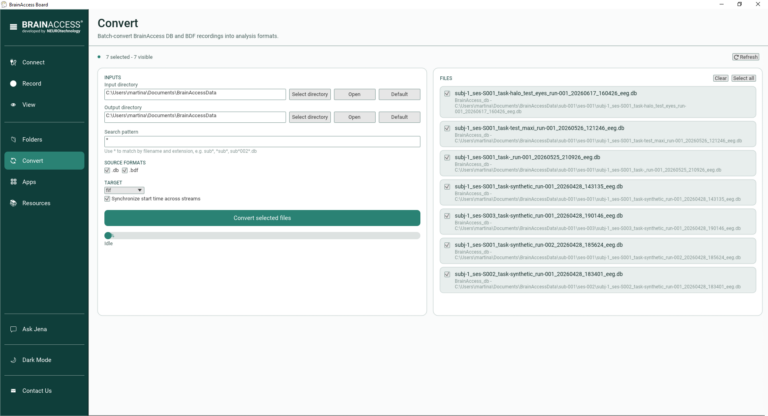
Built-In File Conversion

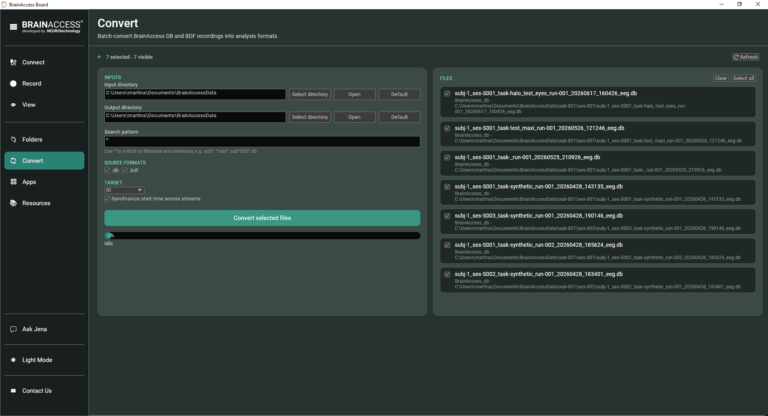
You can now convert files directly within the app for compatibility with open source analysis tools — no need for a separate conversion step or external utility. This should simplify the path from raw recording to analysis in your preferred pipeline.

Multi-Device Support in the Viewer

BrainAccess Board now supports connecting multiple devices simultaneously, with all of them visible and explorable directly in the signal viewer. This is particularly useful for multi-subject studies or setups where you need to monitor several headsets at once.

Discover the new Board Desktop App in this tutorial →

Official Documentation →

Meet Jena, Your AI Recording Assistant NEW

BrainAccess Board Gets a Major Update: New Interface, Updated Functionalities, and AI Support - BrainAccess

The headline feature of this release is Jena, an AI assistant built directly into the app.

Jena has access to real-time information about your connected device(s), including:

  • Connection status
  • Board settings
  • Battery life
  • EEG signal quality

During a recording, Jena monitors this information continuously and can help you troubleshoot issues or improve data quality as they arise rather than discovering a problem after the session is over.

This becomes especially valuable in multi-device setups, where keeping track of the status and signal quality of each device manually can be difficult. Jena keeps an eye on all of them for you.

Jena is free to use for a limited period. 

Request access here →

BrainAccess Board Gets a Major Update: New Interface, Updated Functionalities, and AI Support - BrainAccess

Get the Update

The new BrainAccess Board is available now!

Get it for free from the Download Centre and start using the new interface, signal viewer, and Jena AI.

MORE Posts
  • BrainAccess EEG Now Speaks MATLAB

    BrainAccess EEG Now Speaks MATLAB

    We’re excited to announce the release of the BrainAccess MATLAB API, a native toolbox that lets you connect to BrainAccess EEG devices and acquire data directly from desktop MATLAB. Until now, working with BrainAccess hardware meant stepping into Python, C, or relying on the LSL MATLAB toolbox. That’s a great fit for a lot of workflows,…

  • From Jena to Jena: A Short History of EEG

    From Jena to Jena: A Short History of EEG

    In 1924, a flickering line on a strip of paper in a Jena hospital room started the field of EEG. A hundred years later, we’re telling that story and revealing why we just named our new update after the city where it all began. On July 6, 1924, in a room at the University Hospital…

  • Understanding Hyperscanning and Why BrainAccess Is Built for It

    Understanding Hyperscanning and Why BrainAccess Is Built for It

    Hyperscanning means recording EEG from two or more people at once while they interact, instead of studying one brain at a time. Researchers use it to see whether people’s brain activity synchronize during things like music duets, cooperative or competitive games, and even flight simulations with pilot pairs. Running these studies is technically tricky, since…

  • Can a VR Headset Make You a Better Footballer? A Study with BrainAccess MAXI Says Yes

    Can a VR Headset Make You a Better Footballer? A Study with BrainAccess MAXI Says Yes

    As football takes center stage with the World Cup 2026 underway, an interesting question emerges: how should the next generation of players train? A recent preprint from Turkish researchers found that young professional footballers who trained with VR outperformed those using traditional methods in balance, speed, and strength, with measurable neurological changes tracked via the…